
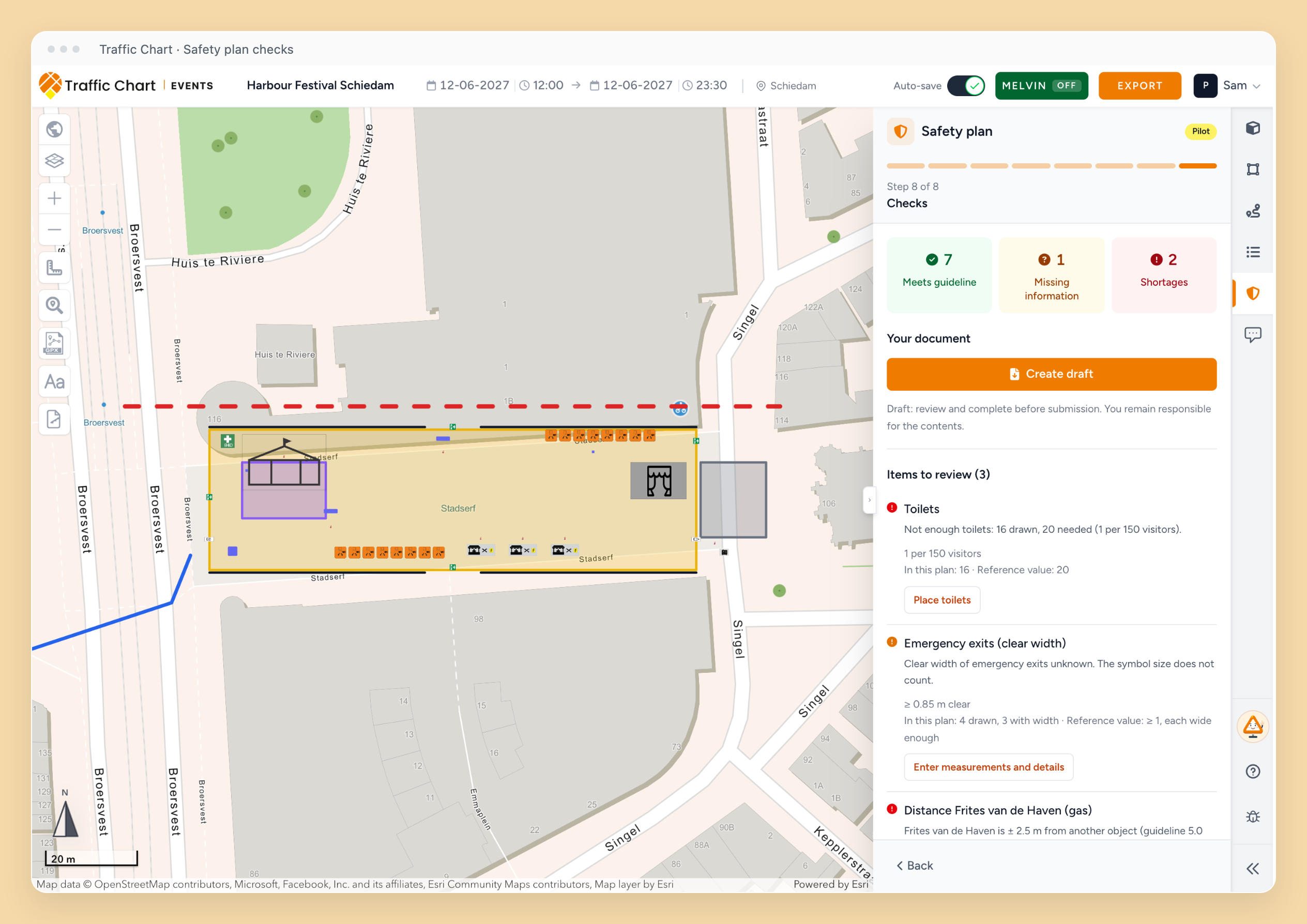
A safety plan from your event drawing
If your account has the Safety plan pilot, combine the drawing with your event details to create a draft safety document. Review missing information and guideline checks before sharing it. The current template is Dutch; Word is the main output and PDF is available where enabled. Create a safety plan.
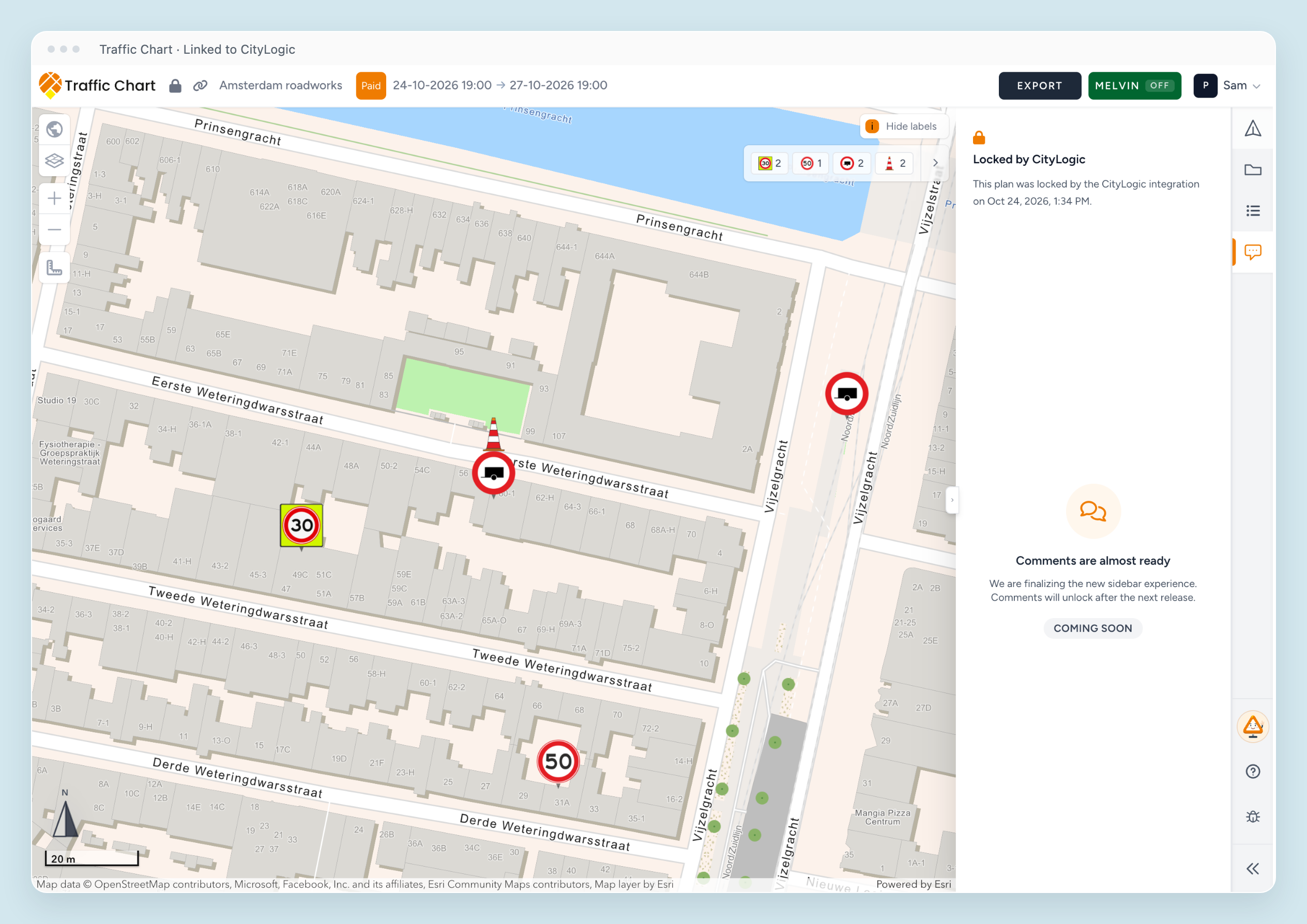
Start your plan from CityLogic
Connected CityLogic users can create or reopen a linked traffic or event plan and see when CityLogic has locked it for editing. The connection does not grant extra edit rights. Create and open plans from CityLogic.
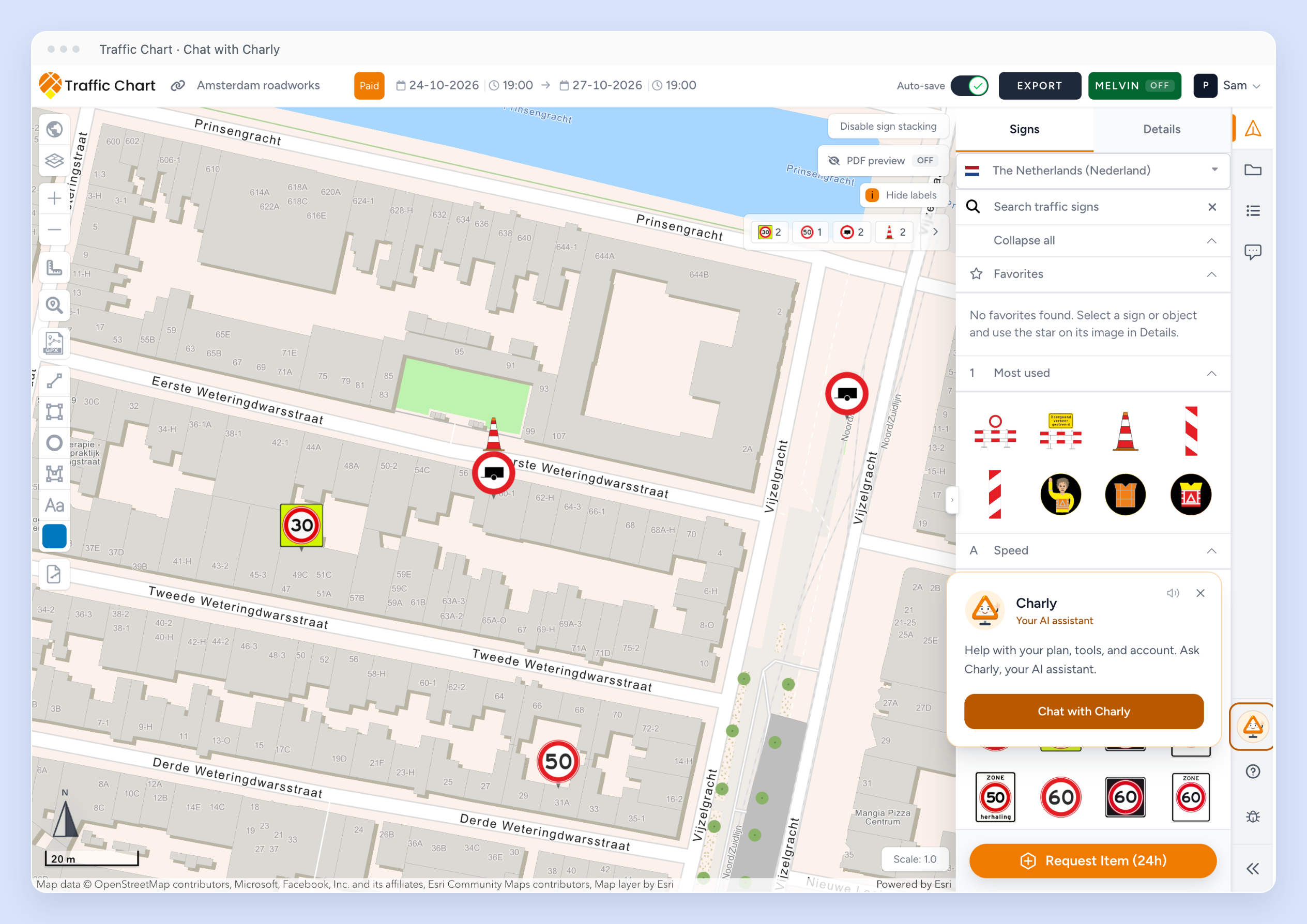
Meet Charly
Choose Chat with Charly for help in the editor. A clear introduction, reply previews and an unread badge make support easier to find; reply sounds can be muted from the card. Help inside the app.
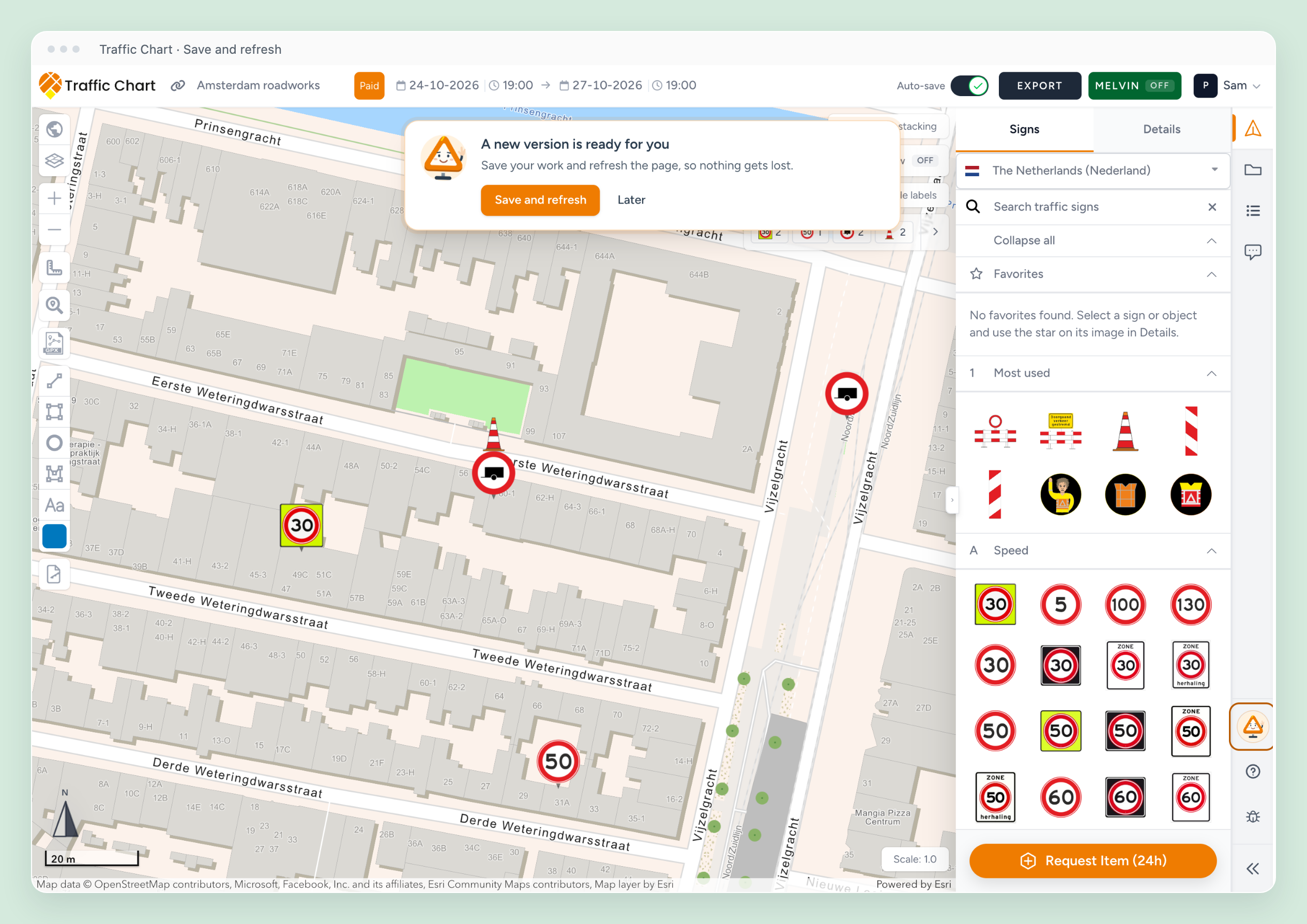
Refresh when you are ready
When a new version is available, choose Save and refresh or keep working with Later. The editor checks pending saves and recent post-instruction edits before refreshing. If saving fails, your work stays open for another attempt. Saving your plan.
An event catalogue that follows your plan's country
Country-specific objects appear in the appropriate catalogue, including object rows and favorites. Universal objects remain available, and changing country keeps objects already on your plan. Event objects, areas, and routes.

Wait once more for a slow background map
If background-map tiles load slowly during export, the export gives them one additional wait. If they still cannot load, a clearer message explains what happened. Check the connection, let the editor map load and retry. Export troubleshooting.
See traffic signs reliably in older Firefox versions
We fixed a rendering problem that could hide traffic signs in Firefox versions before 141. Your placed signs remain visible while you work on the drawing. Map troubleshooting.