
This page preserves updates through 24 October 2026. For individual release articles, visit the Change Log.
24 October 2026
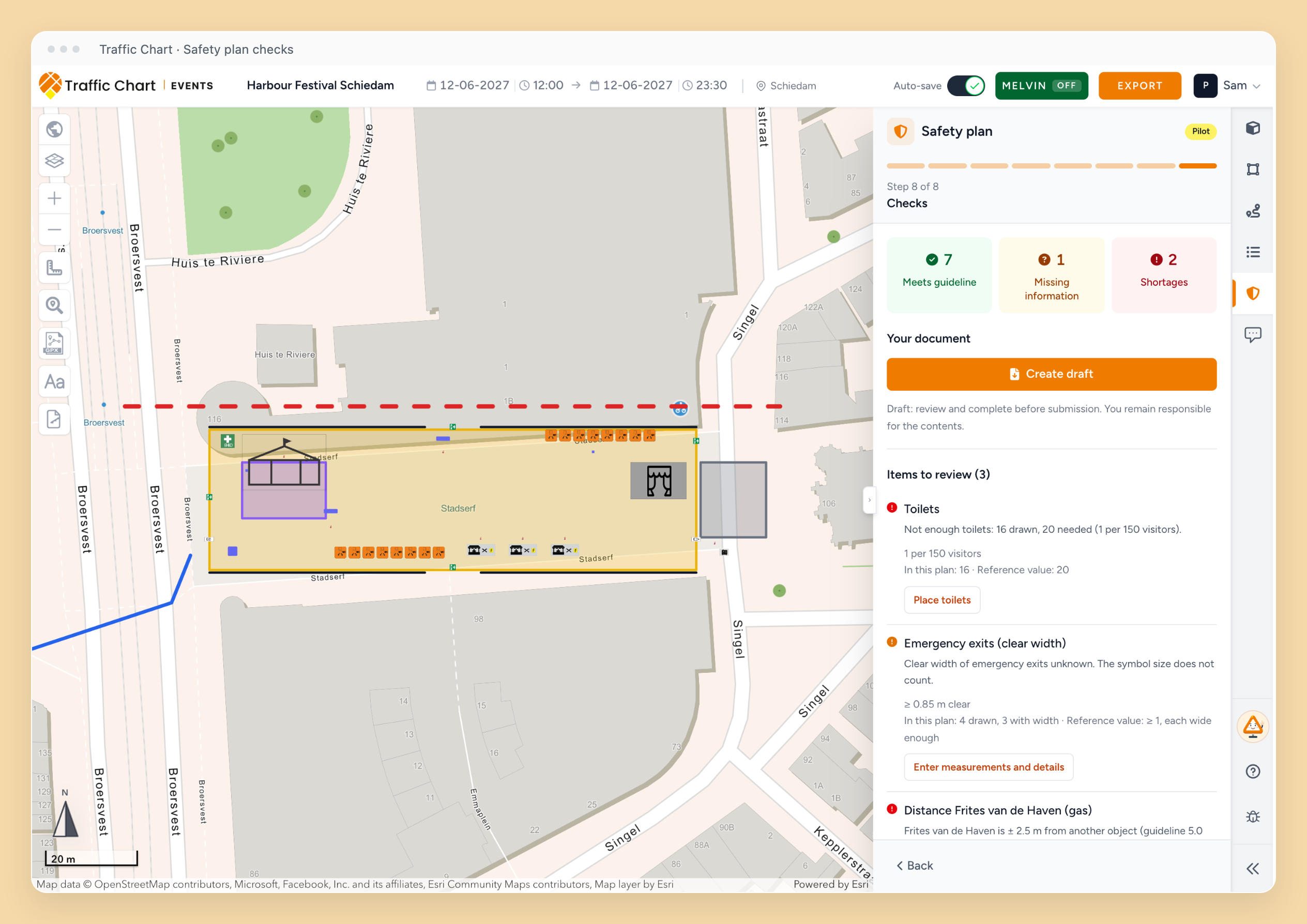
A safety plan from your event drawing
If your account has the Safety plan pilot, combine the drawing with your event details to create a draft safety document. Review missing information and guideline checks before sharing it. The current template is Dutch; Word is the main output and PDF is available where enabled. Create a safety plan.
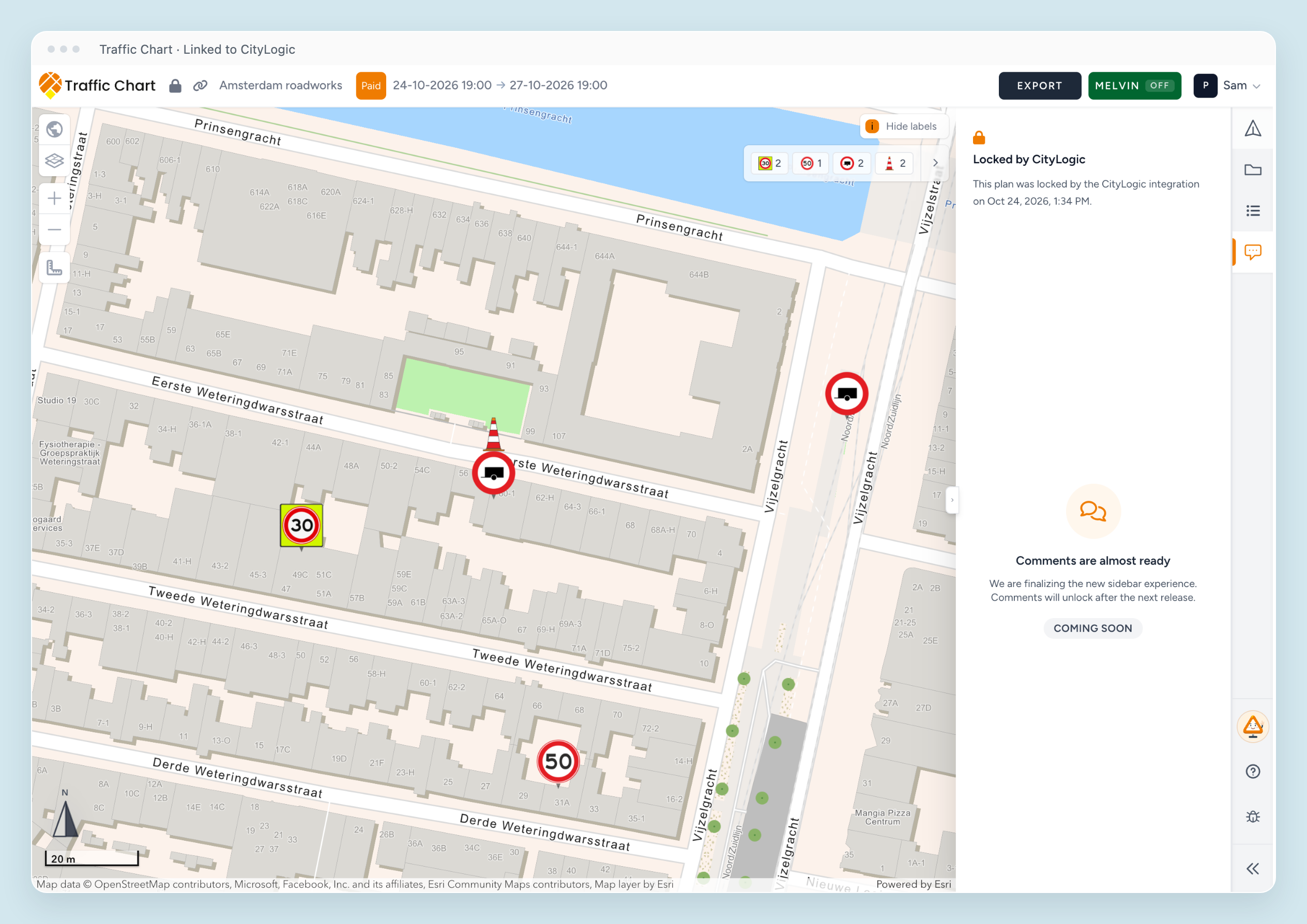
Start your plan from CityLogic
Connected CityLogic users can create or reopen a linked traffic or event plan and see when CityLogic has locked it for editing. The connection does not grant extra edit rights. Create and open plans from CityLogic.
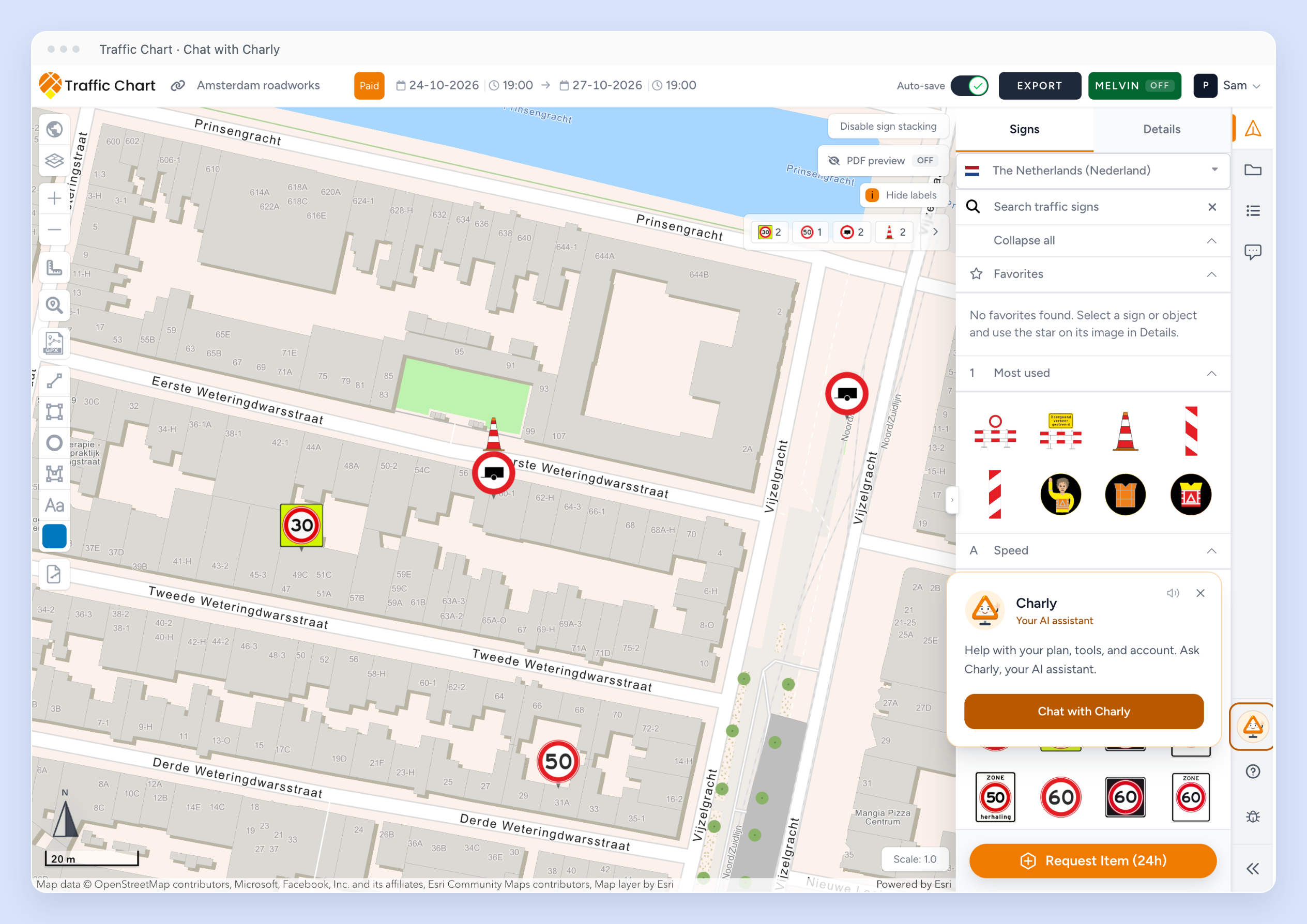
Meet Charly
Choose Chat with Charly for help in the editor. A clear introduction, reply previews and an unread badge make support easier to find; reply sounds can be muted from the card. Help inside the app.
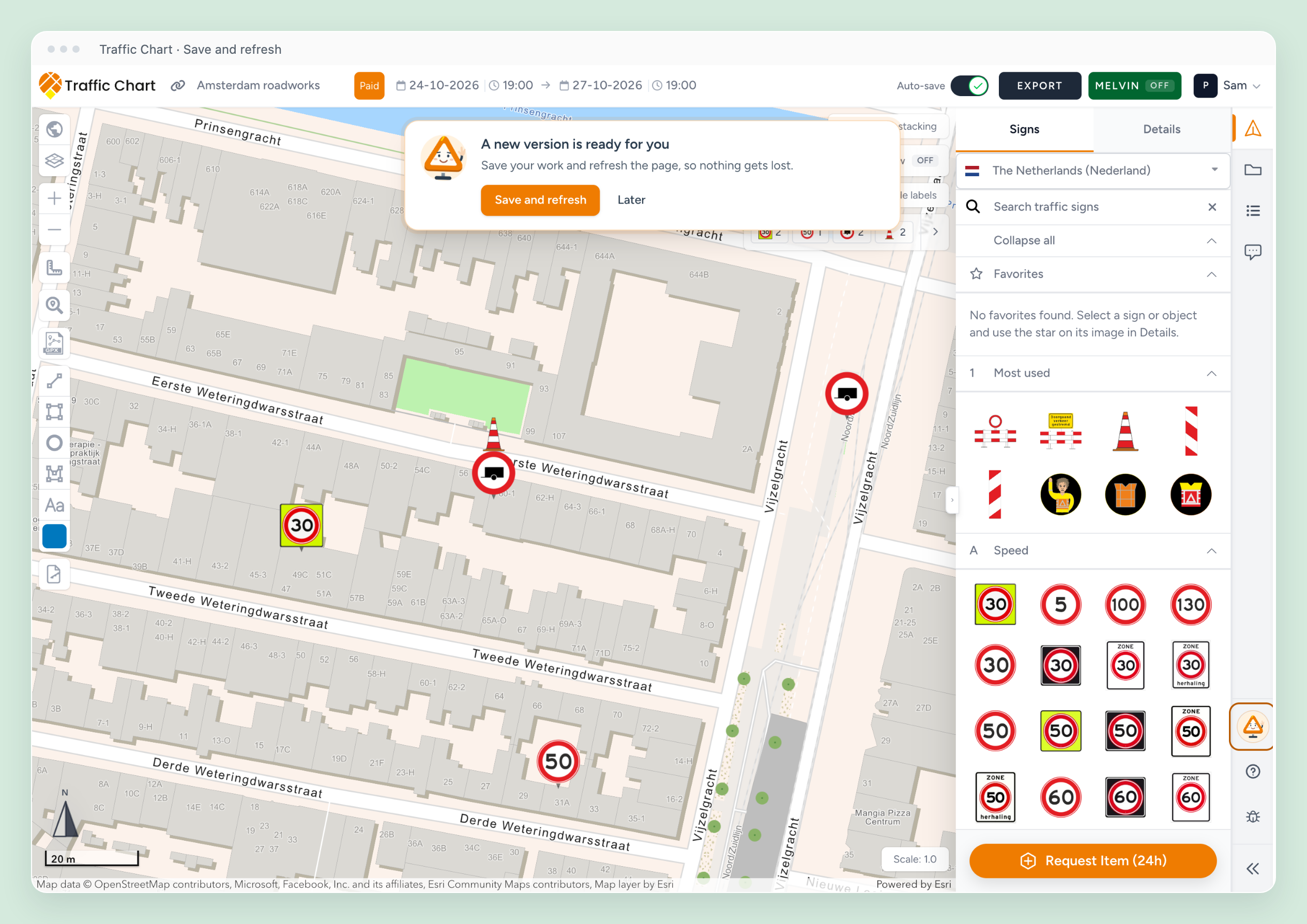
Refresh when you are ready
When a new version is available, choose Save and refresh or keep working with Later. The editor checks pending saves and recent post-instruction edits before refreshing. If saving fails, your work stays open for another attempt. Saving your plan.
An event catalogue that follows your plan's country
Country-specific objects appear in the appropriate catalogue, including object rows and favorites. Universal objects remain available, and changing country keeps objects already on your plan. Event objects, areas, and routes.

Smaller fixes
Slow background-map tiles get one extra wait during export, followed by a clearer message if they still cannot load. We also fixed a rendering problem that could hide traffic signs in Firefox versions before 141. Export troubleshooting and Map troubleshooting.
9 October 2026
- Stop an export you did not mean to start. While a traffic plan export runs, Export now becomes Stop export. Confirm, change your maps or paper size, and start again without waiting for the file. Export and print traffic plans
- XL maps for Pro viewers of a shared plan. If you open somebody else's read-only traffic plan while logged in with Pro, you can now export its XL maps as well as the Detail maps. Share a traffic plan
- Copies follow the free sign limit. Duplicate sign now counts toward the free allowance on an unpaid plan, and your copies are kept when you pay or spend a credit. I can't place more signs
- A clear message when an event map cannot open. Instead of an endless loader you now see what went wrong, with Try again and a way back to your plans. Map will not load or stays blank
- Sharper combination signs. Combination boards keep their layout on the map and in the materials list of your PDF.
4 October 2026
- Bring routes and roadworks into your event plan. Import a GPX walking or cycling route, and use Melvin on Dutch event plans to check roadworks for the event dates. Import a GPX route and Event map layers
- A clearer view of what is on your plan. The traffic-plan Items panel brings the PDF legend, sign counts and post symbols together. Legend colours use readable names, and object rows now explain gaps versus centre-to-centre spacing. Traffic plan legend and Items and Object rows
- PDFs for people viewing a shared plan. Read-only viewers can include the saved legend in traffic and event PDFs without changing the original plan. Share an event plan and Share a traffic plan
- Keep a review dossier as a PDF. Municipal reviewers can download the accessible review rounds, decisions, comments and activity log from More dossier actions. Review dossier and copies
2 October 2026
- Help without leaving your plan. Support chat is now available to more customer accounts, so you can ask a question from inside the editor. Help inside the app
- Clearer credit choices. The payment screen now explains that one credit unlocks unlimited signs in a traffic plan, including plans outside participating municipalities. Paying for a traffic plan
- A clearer next step for municipal review. The review panel explains how to submit your plan, whether the municipality gives feedback in Traffic Chart or uses its own procedure. Review for organisers
- More complete materials exports from shared plans. Materials lists exported from a read-only traffic plan now retain sign images, categories and custom text. Materials lists and post instructions
11 September 2026
- PDFs that explain themselves. Traffic plans now have a Legend: give your detour and closed areas plain names, and they print as a key after the map pages. Traffic plan legend
- Your usual kit, one click away. Star the signs and event objects you use every week, and they sit at the top of the catalogue under Favorites. Favorite signs and Favorite event objects
- A simpler export. Export files now goes straight to one sidebar where you pick map pages, legend, materials list, and post instructions together. Export and print traffic plans
9 September 2026
- New plans start in the right country. An empty plan opens over its own country, for all twelve supported countries. Wrong country or missing traffic signs
- Clean review queues. Deleting a plan now cancels its open review, so municipalities are not left with work on a plan that no longer exists. Review for organisers
30 August 2026
- A key for event PDFs. Event plans got a Legend you can print with quantities, so suppliers see exactly how many toilets and fences go where. Event plan legend
- Fences and rows in one stroke. Draw a line and fill it with objects at a set spacing, instead of placing them one by one. Place a row of event objects
23 August 2026
- Answers without leaving the map. Some accounts can now chat with support, with an AI assistant that answers straight away. Help inside the app
- Exact times, not just dates. Plan start and end are now set as a date and a time, so works that start at 22:00 read correctly. Title, dates, Paid, and Auto-save
- Check sizes on a shared event plan. Visitors and reviewers can click any object or area to see its dimensions, without editing rights. Share an event plan
19 August 2026
- One overview, many detail pages. An XL map can show numbered boxes for every detail page inside it, so readers go straight from the overview to the right junction. Export and print traffic plans
- Export only what was asked for. Pick which export maps go into this PDF, and hide layers on a single page, without deleting anything. Export and print traffic plans