
Bring an existing route into your event plan
Already have a walking or cycling route as a GPX file? Open an event plan you can edit, choose Import GPX and select the file. The route appears on the map, ready to adjust and include in your PDF.
Find your legend and sign counts under Items
The traffic-plan legend now lives in Items, the list icon in the right strip. Open it for the PDF legend, whole-plan sign counts and post symbols when present. Different combination-board appearances are counted separately, so your overview is easier to check.
The Items panel and traffic-plan legend.
Set the gap between event objects more precisely
In an organization workspace, select an object row to set the clear gap between edges or the distance between centres. The illustration explains the difference, and metre values support two decimal places. Use this to check whether neighbouring fences should touch or leave room between objects.
Spacing and dimensions for object rows.
Include the legend when exporting a shared plan
Viewing a read-only traffic or event plan? You can include its saved legend in your own PDF download, even when the original plan did not have it switched on for export. Your choice leaves the saved plan unchanged.
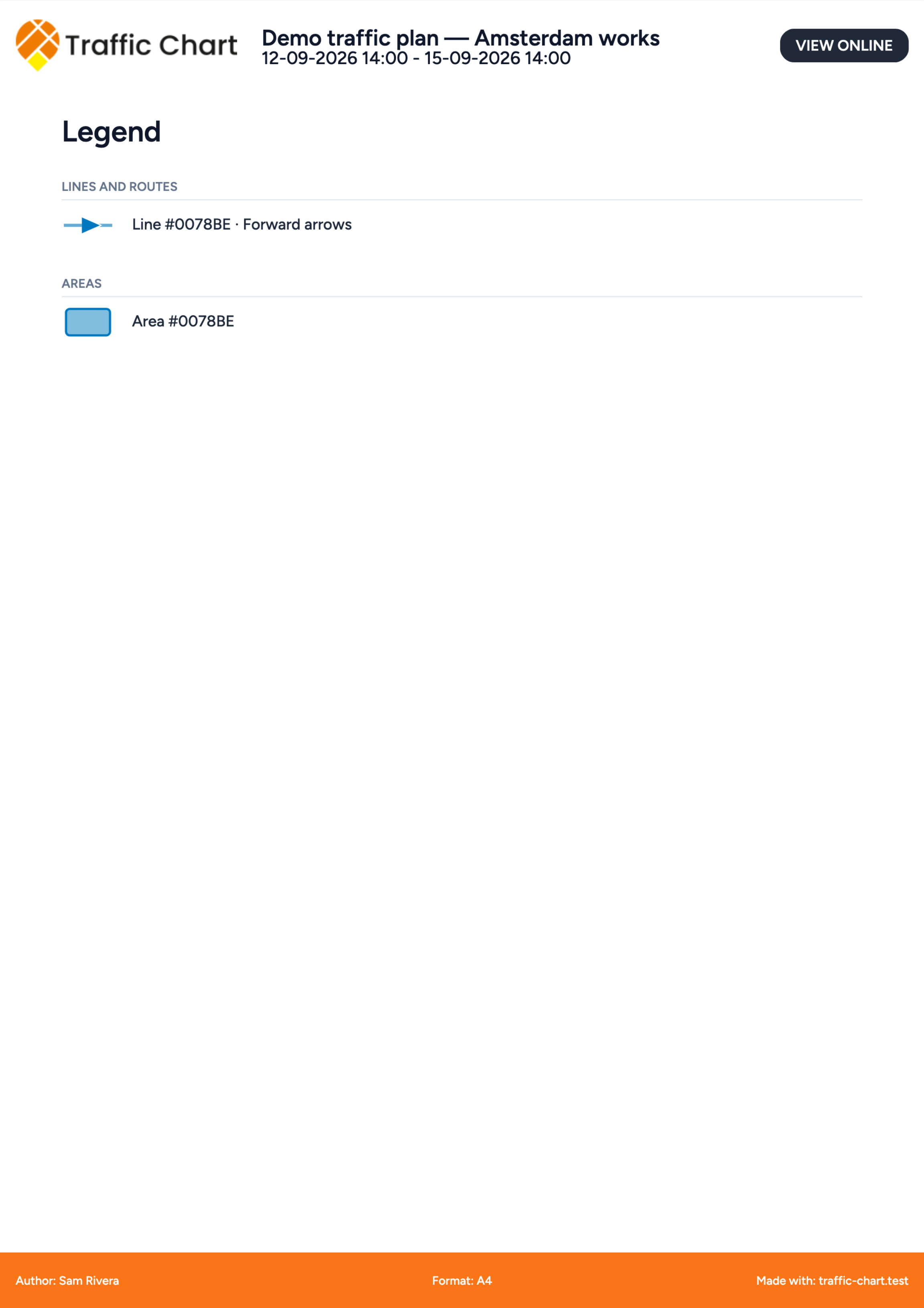
Traffic-plan legends and shared event plans.
Keep a review dossier as a PDF
For municipality review in the Netherlands, anyone who can open the dossier can now download its PDF. Open More dossier actions, then Download dossier as PDF. The file brings together the accessible review rounds, decisions, comments and activity log. Export the plan separately if you also need the drawing.