
Use Chat in the editor when it is available, or email customer@traffic-chart.com.
Signed-in personal and organization customers can use support chat when it is enabled. Open Chat or Help → Ask our AI assistant. The assistant answers from our knowledge base first; ask for a person if you need the team. You do not need to buy a credit to contact support. If chat is missing or cannot connect, use email. Help inside the app.
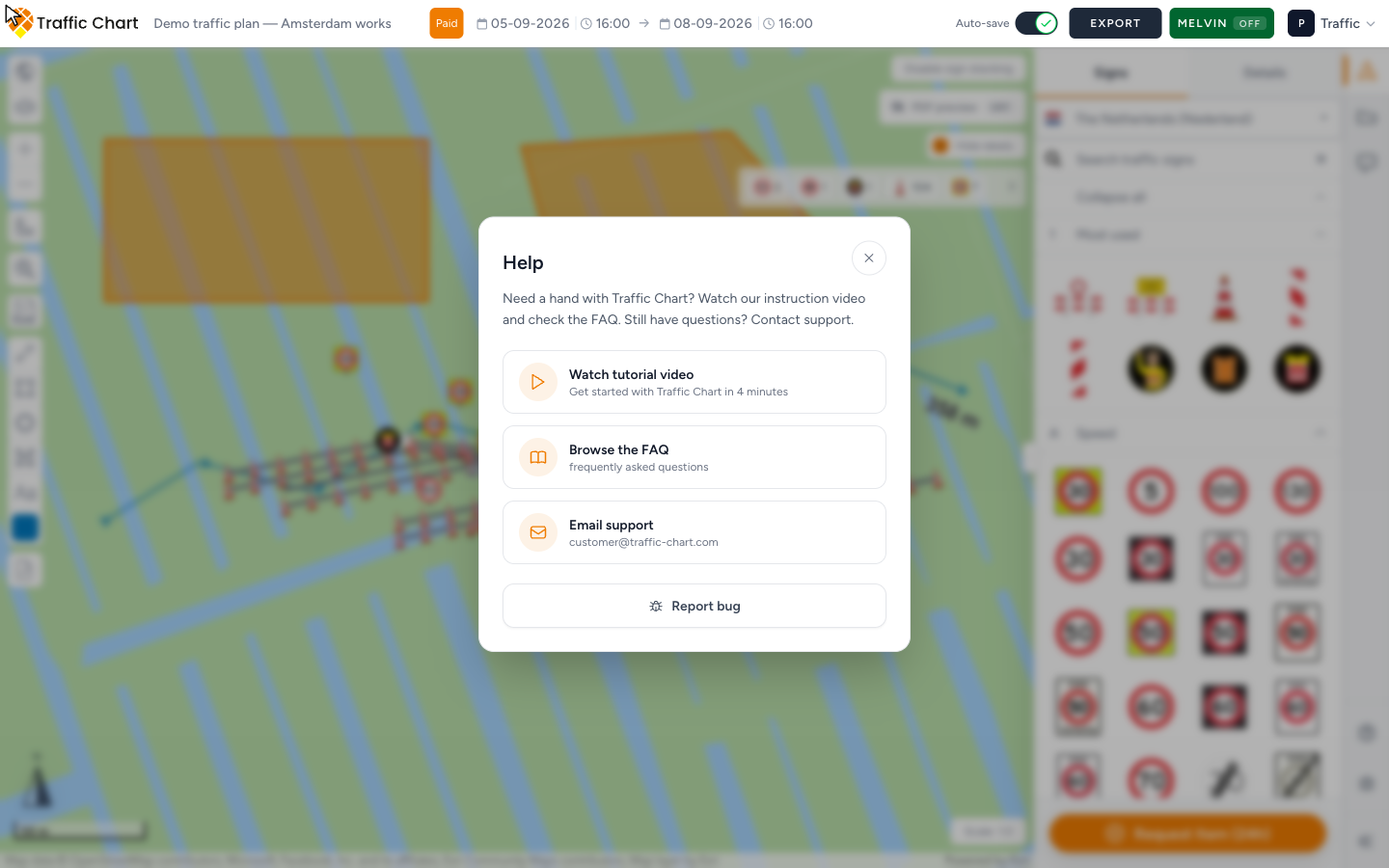
This page is only what to send so we can act. In-app Help, How to?, and the Home footer are in Help inside the app.
What to include
Include these details in your chat or email:
- Workspace name — Personal, or the organization from Switch workspace (for example Acme Events)
- Plan URL — paste the address bar (
https://app.traffic-chart.com/traffic-plans/…or the event-plan equivalent) - Screenshot — the dialog, lock, blank map, or error, not an empty desktop
- Browser and device — for example Chrome on Windows, or Edge on a laptop
- Account email (send from that mailbox if you can)
- What you clicked, and what you expected
Add only if it applies:
- Approximate date/time and timezone for a payment or a stuck export
- Stripe receipt or last four digits — do not pay a second time while you wait
- Country and sign code for a missing plate
- For review: whether the header says In review by municipality or Plan approved, and whether you are the assigned editor
Before you write
Search this help center. Start with the FAQ.
| Problem | Article |
|---|---|
| Plan missing from Home | My plan does not appear in the list |
| Cannot edit | I can’t open or edit a plan |
| Plan locked for review | My plan is locked for review |
| Cannot place signs | I can’t place more signs |
| Map white or stuck on Opening Map Environment... | Map will not load or stays blank |
| Export broken | Export fails or is blank |
| Paid but not unlocked | Payment succeeded but plan not unlocked |
| Invitation will not accept | I cannot accept an organization invitation |
| Login / email | Email verification and login problems |
| Not enabled for Personal. or suspended workspace | Workspace unavailable or not enabled |
| After Stripe | Payment status after checkout |
| Missing sign or object | Request a missing sign or object |
What good looks like
One email from the account address, with the workspace name, plan URL, screenshot, and browser. Support can match the account without a second checkout.