
Stop an export and adjust your settings
Started an export with the wrong paper size or map selection? While it runs, Export now becomes Stop export. Confirm the stop, change your settings and start again. Your export maps stay in place.
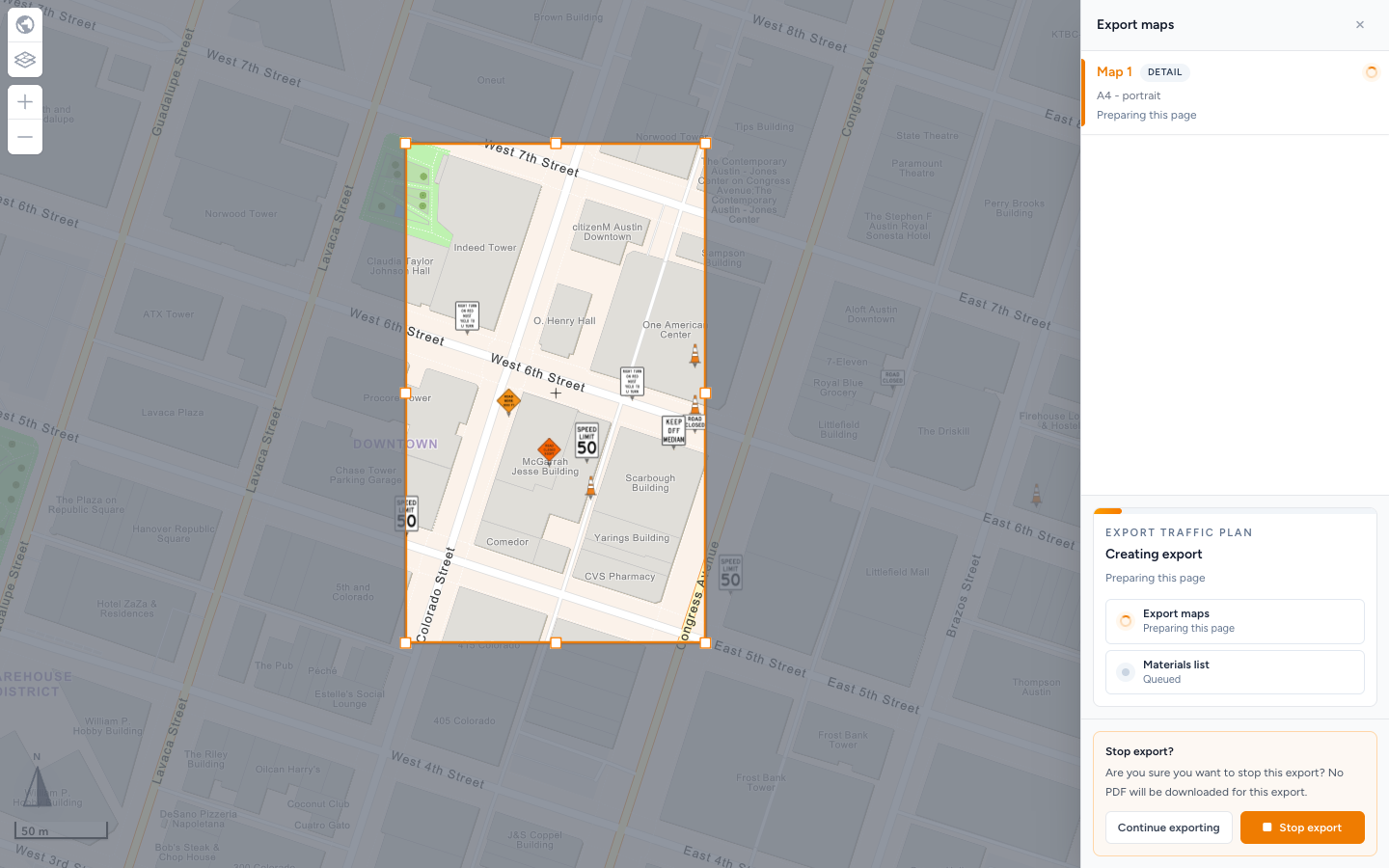
Export and print traffic plans.
Export XL maps from a shared plan
When you open someone else's read-only traffic plan while logged in with Pro, you can export its XL maps as well as its Detail maps. Share an overview of the works alongside the close-up pages.
Keep your copied signs when unlocking a plan
Duplicate sign now counts toward the free sign allowance on an unpaid traffic plan. When you pay or spend a credit to unlock the plan, your copied signs stay in place.
A clear next step when an event map cannot load
If an event map fails to open, you now see an explanation instead of a loader that keeps spinning. Use Try again, or return to your plans and reopen the plan.
Help with a map that will not load.
Clearer combination signs on the map and in PDFs
Combination boards retain their layout on the map and in the PDF materials list. You can check the combined signs more clearly while drawing and when preparing the list for your supplier.