
Send an event plan as a link, so stewards, suppliers, or the municipality can look at the site plan in their browser without an account.
When you need this
Use it when people need to find their way around the site or check a layout, and a PDF would go out of date. Send a PDF instead when someone asks for a file to print or archive: Export an event plan.
Copy the link
- Open Plans, then the Event plans tab.
- Open the menu on the plan's row (Actions for the plan name).
- Click Copy link. The toast says Link copied.
- Paste it into your email or chat.
If copying fails: The link could not be copied. Copy the address from your browser bar instead while the plan is open. It has the form https://app.traffic-chart.com/event-plans/ followed by the plan's id.
Find and organize event plans.
What the visitor sees
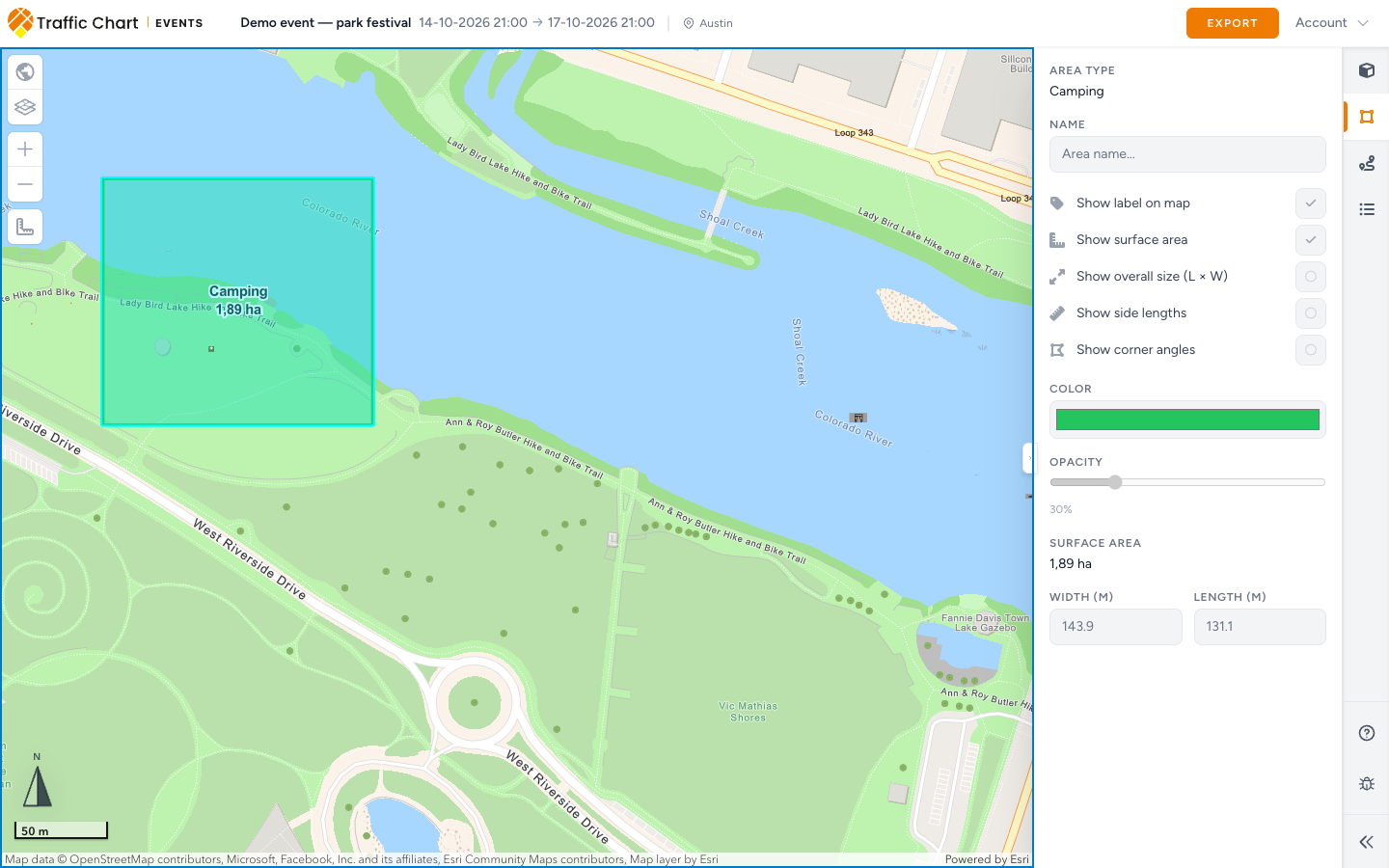
The visitor gets the same map, read-only, with no login needed:
- The plan's name, Start and End, and location in the header.
- Everything you placed: objects, areas, routes, and labels.
- Details for anything they click, such as the Surface area of an area. Before they click, Details says Click an object, route, line or area on the map to inspect its dimensions and settings.
They cannot change the saved plan. The fields in Details are grayed out, and there is no Auto-save or Save. Account in the top right lets them log in if they have an account of their own.
Export is available without logging in. Viewers can download an event PDF and check or uncheck Legend for that download. This does not change the saved legend, its entries or the owner's export preference. Map pages need export areas with a paper size. Export an event plan.
The link always shows the latest saved version. Wait for Auto-save: saved before you send it, and every later change reaches the visitor too.
Who can open it
Anyone with the link can view the plan. Treat it like a document you would email, not something to post publicly. There is no button to replace a link. If it spread too widely, email customer@traffic-chart.com.
Municipal reviewers do not need the link. They work on the plan through review: Review for reviewers.
What good looks like
- Stewards open the link on their phone and find the first-aid post without calling you.
- You shared the link once, and every later change reached them automatically.
- The PDF only goes to people who asked for a file.
If something blocks you
| Situation | What to try |
|---|---|
| The link could not be copied. | Copy the address bar while the plan is open |
| The visitor sees an old layout | Save first, then ask them to refresh |
| The visitor wants to edit | Add them to the organization instead: Organizations and members |
| Someone needs a printed copy | Export an event plan |